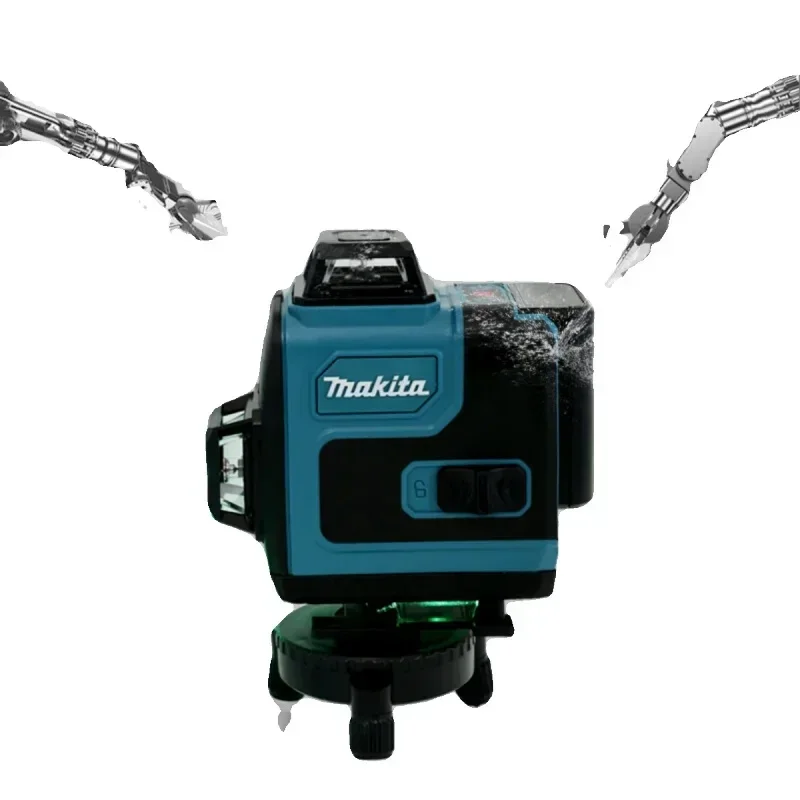
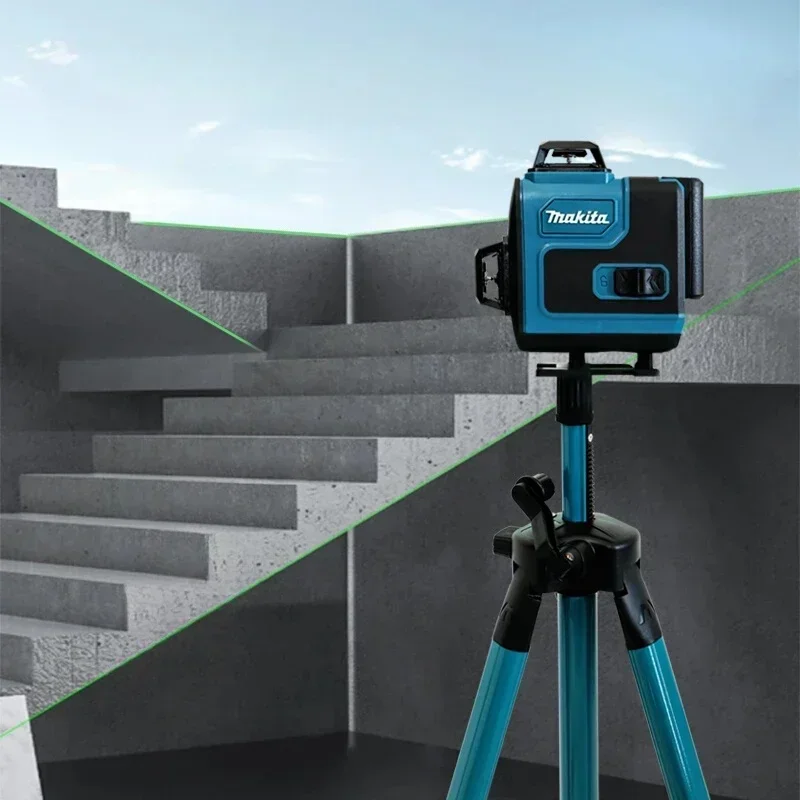
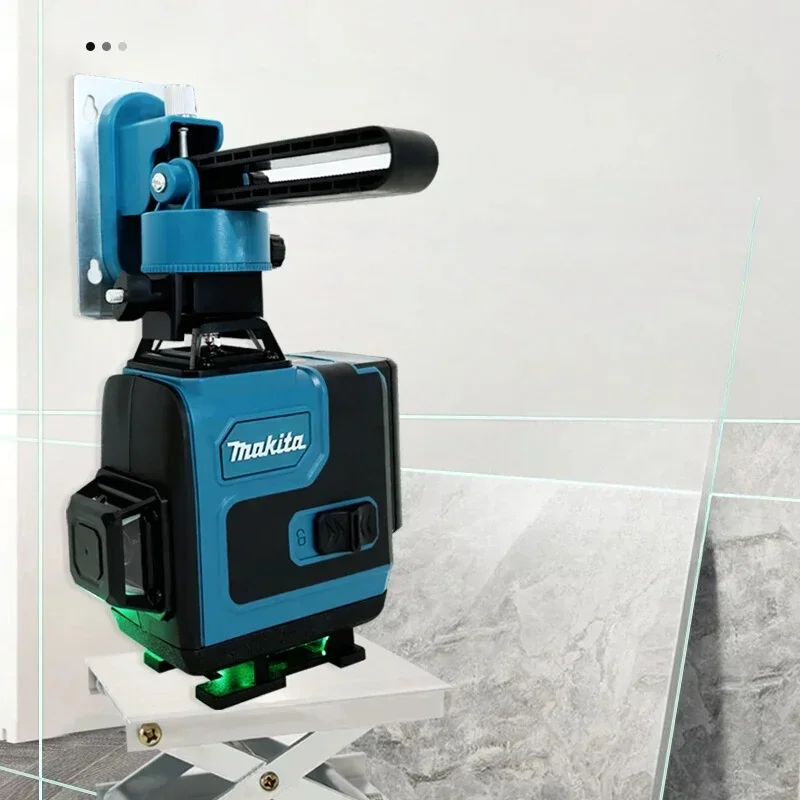
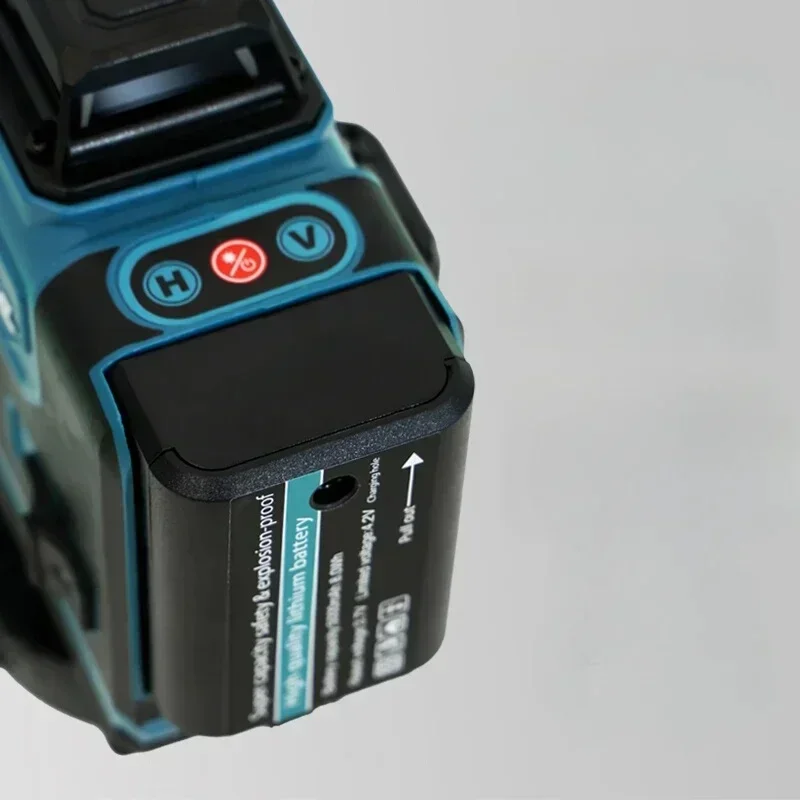
Makita 3D-4D 16-Line High Precision 360° Horizontal Vertical Green Laser Horizontal Wall-Mounted Portable Power Tools
UK
€72,15 EUR
Sale price
€72,15 EUR
Regular price
€73,23 EUR
Skip to product information


Makita 3D-4D 16-Line High Precision 360° Horizontal Vertical Green Laser Horizontal Wall-Mounted Portable Power Tools
€72,15 EUR
Sale price
€72,15 EUR
Regular price
€73,23 EUR
SPECIFICATIONS
Battery Included: no
Brand Name: Makita,Makita
Certification: CE,FCC
Electrified: No
Handheld: Yes
High-concerned chemical: None
Movable: Yes
Origin: Mainland China
Power Source: Battery
Use: Renovation Team
is_customized: Yes
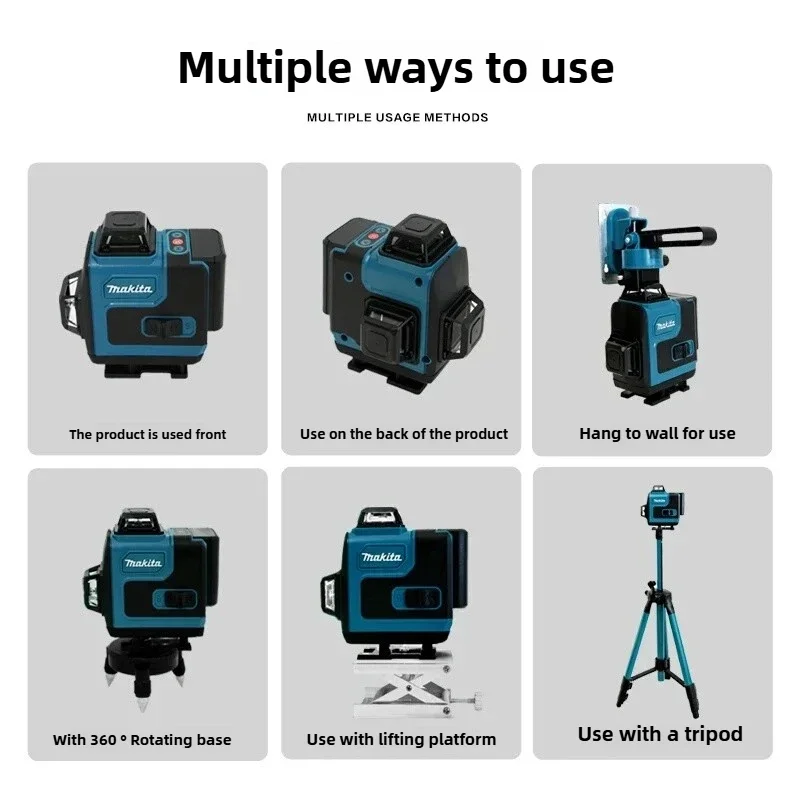
1.Laser Ray: 360° X 4 16 lines(3D-4D) 1) Place the instrument on the tripod, T-type wall mounting bracket or lifting platform as needed;
2. Push the main power switch forward to the ONposition and the machine starts to work. Thehorizontal window automatically opens and produces four horizontal laser rays;
3.Touch H key on the touch panel to control horizontal opening and closing;
4.Touch the V key on the touch panel once, open a vertical window with one click (tick), repeat again, the second vertical window opens, and the third touch closues two vertical windows;
5.Long touch the key for more than 3 seconds, and a click(tick) will be heard, and turning on the diagonal function. At this time, you can adjust it to the angle you want without alarm or flashing.
6.Touch this key again for more than 3 seconds, with one click (tick) to release this function, the instrument works normally.
Note:
The positive and negative terminals of the battery are properly installed. Please remove the battery if it is not used for a long time. Please charge for more than 10 hours when you use it for the first time. Please turn off the main switch after use Please use the charger that matches the machine to charge. Please use this machine in the environment where this machine is described.
The positive and negative terminals of the battery are properly installed. Please remove the battery if it is not used for a long time. Please charge for more than 10 hours when you use it for the first time. Please turn off the main switch after use Please use the charger that matches the machine to charge. Please use this machine in the environment where this machine is described.